
How do I login to iSolved?
- Go to the iSolved login page: insperity.myisolved.com
- Enter your User ID and Password, and click the Login button.
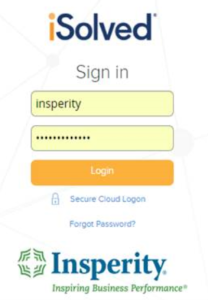
*NOTE: We suggest that you bookmark this URL for easier access.
What do I do if I forgot my iSolved username or password?
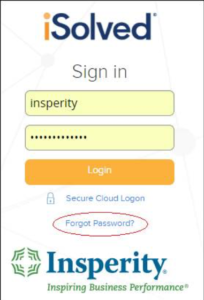
- Go to insperity.myisolved.com and click “Forgot Password?”.
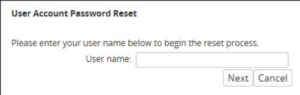
- Enter your username and click Next.
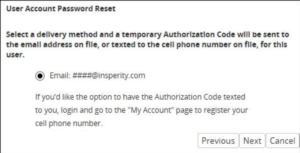
- Select the delivery method to receive a temporary authorization code and click Next.
- Once the temporary authorization code is received, enter it and click Next.

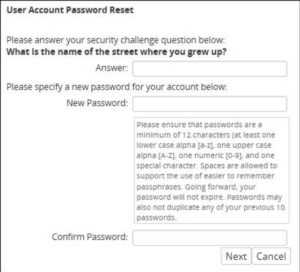
- You will be prompted to answer a security question and create a new password. Then click Next.
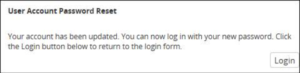
- Click the Login button to return to the iSolved login page and enter your new password.
NOTE: Insperity support personnel are not able to retrieve passwords in iSolved.